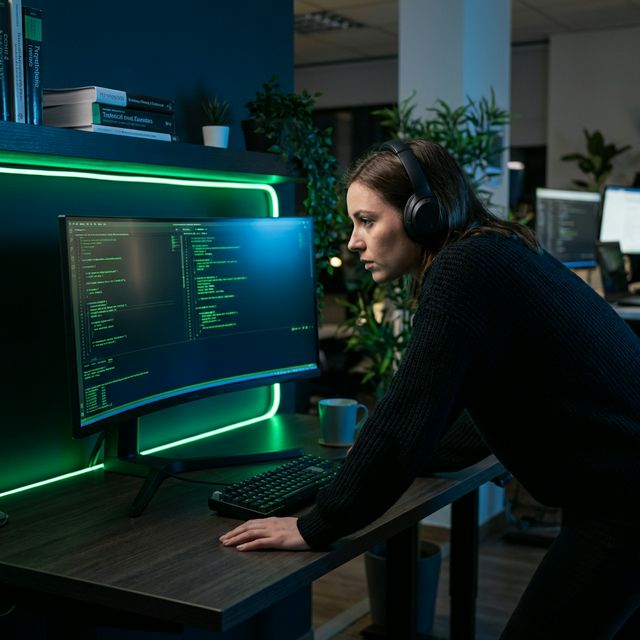
Setting Up Your Vibe Coding Environment
A comprehensive guide to choosing and configuring the best tools for natural language software development.
Supporting Guide for: Introduction To Vibe Coding
Optimal Scaffolding: Setting Up Your Vibe Coding Environment
To the uninitiated, Vibe Coding looks like "chatting with a computer." But to the professional, it is a high-bandwidth engineering discipline that requires the right infrastructure to prevent "Vibe Decay."
Your environment is the foundation upon which your AI co-developer builds. If the environment is brittle, the code will be brittle. If the environment is rich with context and low in friction, the AI will perform at a level that rivals a senior engineering team.
1. The Core Platforms: Choosing Your Engine
The first decision in your Vibe Coding journey is selecting the primary interface. As of 2026, there are three distinct "tiers" of tools, each suited for different stages of the product lifecycle.
Tier 1: The Incubation Chamber (Lovable, Replit Agent)
If you are at the "Intent" stage—where you have a vision but zero lines of code—you should start in a managed incubation environment.
- Lovable: Currently the gold standard for full-stack web applications. It handles the deployment, database provisioning (via Supabase), and frontend wiring automatically.
- Best For: MVPs, rapid prototyping, and founders who want to see a working URL in under 60 minutes.
- Pro Tip: Use Lovable when you want the AI to handle the "Plumbing" (Auth, DB, Hosting) so you can focus on the "Vibe" (UX, Business Logic).
Tier 2: The Professional Workshop (Cursor, VS Code + Cline)
Once your project matures beyond a single-session prototype, you need to transition to a local IDE.
- Cursor: A fork of VS Code with AI deep-baked into the architecture. Its "Composer" mode allows you to edit multiple files simultaneously across your whole stack.
- Cline (formerly Devins): An open-source agentic extension for VS Code that gives the AI the power to run terminal commands and read your files autonomously.
- Best For: Scaling applications, building custom APIs, and refining complex UI systems.
Tier 3: The Specialized Forge (Bolt.new, v0.dev)
These are "Interface-First" tools. They are incredible for generating stunning UI components but often lack the deep system-level reasoning required for persistent backends.
- Best For: Rapidly generating the "Look and Feel" of a product before moving the code into Cursor for hardening.
2. Configuring the "Shared Mental Model"
A common mistake is treating the AI like a stateless calculator. In a professional environment, you must give the AI "Eyes" on your project's intent.
The Role of Custom Instructions
Every Vibe Coding environment allows for "System Instructions" or .cursorrules. This is where you define the Laws of your Codebase.
Mandatory Rules to Include:
- "Never delete code without asking." (Prevents the AI from 'cleaning' away a feature you haven't documented yet).
- "Always follow the Singleton pattern for database connections." (Prevents expensive connection leaks).
- "Use Tailwind for styling, but do not use arbitrary values." (Maintains design consistency).
Context Management: The "Ignore" List
Just as important as what the AI sees is what it doesn't see. Ensure your .gitignore and .cursorignore are synchronized. If the AI tries to read your node_modules or a 50MB log file, it will exhaust its context window and start hallucinating. Keep the AI focused on the Source Code and the Strategy Docs.
3. The Terminal: Your AI's Hands
Advanced Vibe Coding (which we cover in depth in our Advanced Guide) requires giving the AI access to the shell.
Security Boundaries
If you are using tools like Cline or Aider, you are giving an LLM the power to execute code on your machine.
- Recommendation: Run elective build sessions inside a Docker Container or a GitHub Codespace. This prevents a "vibe error" from accidentally deleting your root directory or leaking your
.envvariables to a third-party API.
The "Observation" Loop
A professional setup includes a terminal that the AI can read. When a build fails, don't copy-paste the error. Let the AI observe the terminal output directly. This allowed the AI to "feel" the failure and correct its own course without human intervention.
4. Hardware for Humans: High-Bandwidth Input
Vibe coding is an exercise in communication. If your input method is slow, your build speed is slow.
- Ultrawide Monitors: You need enough screen real estate to see the Chat Window, the Code Editor, and the Live Preview simultaneously. This "Visual Feedback Loop" is critical for catching design drift early.
- High-Quality Screenshots: Ensure you have a keyboard shortcut for "Partial Screenshot to Clipboard." Vibe coding relies heavily on visual debugging (see our Visual Prompting Guide).
5. Setup Checklist: Your First 5 Minutes
Before you send your first prompt, verify this checklist:
- Repo Initialized: Even if it’s just 0 files, start with a Git repo.
- API Keys Secured: Use a
.envfile and verify it is in your "ignore" list. - Documentation Scaffolding: Create an empty
INSTRUCTIONS.mdandARCHITECTURE.md. - Model Selection: Ensure you are using a high-reasoning model (Claude 3.5 Sonnet or GPT-4o). Do not use "fast/cheap" models for structural decisions.
Next Steps
Now that your environment is hardened, it’s time to master how you actually talk to the machine.
- GUIDE: Mastering the .md Architecture - Learn how to use Markdown to give your AI a "Permanent Memory."
- GUIDE: Visual Prompting Strategies - How to use screenshots to solve UI bugs 10x faster.
Struggling with your setup? Book a Free Technical Triage and we'll help you architect a professional Vibe Coding environment tailored to your product goals.
Ready to implement this?
We help founders master vibe coding at scale. Book a Free Technical Triage to unblock your build.